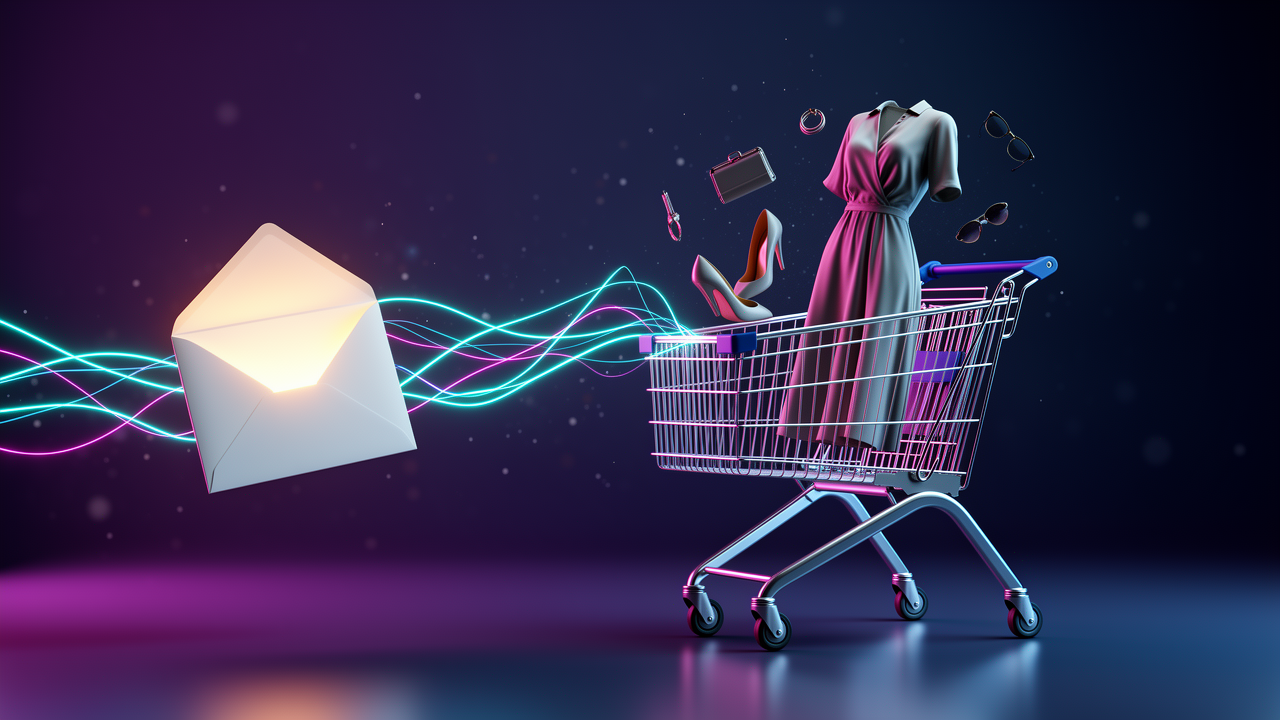
A shopify abandoned cart email is an automated message sent to customers who add items to their cart or begin checkout but leave without completing their purchase, designed to remind them of their items and encourage them to return and complete the transaction.
Picture this: You’re about to buy those perfect jeans you’ve been eyeing for weeks. You add them to your cart, maybe even enter your email at checkout, and then… your cat knocks over your coffee. You jump up to clean the mess, and just like that, you forget all about those jeans. This happens thousands of times every single day in e-commerce, and that’s exactly why abandoned cart recovery has become the unsung hero of online retail.
The good news? You don’t need to be a tech wizard or hire an expensive agency to start recovering those lost sales. Whether you’re using Shopify’s built-in features or exploring third-party platforms, the basics are simpler than most people think.
What Makes Abandoned Cart Emails Different from Regular Marketing
Here’s the thing about shopify abandoned cart email campaigns—they’re not your typical promotional messages. These emails target shoppers who’ve already shown genuine purchase intent, making them one of the highest-converting email types you can send.
Think of it this way: someone who abandons a cart is fundamentally different from someone who just browses your homepage. They’ve invested time selecting products, possibly even started entering payment information. That’s a warm lead, not a cold prospect.
The psychology behind these emails is pretty straightforward. They serve as gentle reminders rather than pushy sales pitches. Most customers aren’t actively deciding *not* to buy—they’re just distracted, comparison shopping, or waiting for payday.
The Two Types of Abandonment You Should Know
Not all abandonment looks the same, and understanding the difference can seriously level up your recovery strategy:
- Cart Abandonment: Customer adds items but never reaches the checkout page
- Checkout Abandonment: Customer begins the checkout process but doesn’t complete the purchase
Checkout abandonment tends to convert better because these shoppers made it further down the funnel. They’re closer to buying, which means your recovery email can be more direct and urgent.
Why Your Store Can’t Afford to Ignore Shopify Abandoned Cart Email
Let’s pause for a sec and talk about what’s actually at stake here. Cart abandonment isn’t just annoying—it represents real revenue walking out your digital door.
Most e-commerce stores see substantial portions of their potential revenue evaporate through abandoned carts. That’s not a small leak—that’s a flood. And the kicker? Many of these shoppers *want* to buy from you; they just need a little nudge.
Beyond the immediate revenue recovery, these emails do something else valuable: they keep your brand top-of-mind. Even if someone doesn’t complete their purchase immediately, that reminder reinforces your store in their memory for future shopping sessions.
The Compound Effect of Recovery Automation
Here’s what nobody tells you about abandoned cart automation when you’re starting out—the impact compounds over time. Each recovered sale isn’t just one transaction; it’s potentially a new long-term customer.
A shopper who receives a helpful, well-timed reminder email (rather than radio silence) builds trust with your brand. They see you as organized, customer-focused, and professional. That perception matters way beyond a single purchase.
For more background on broader automation strategies, check Shopify’s official email automation guide.
How Shopify’s Native Abandoned Cart Feature Actually Works
In plain English, Shopify gives you built-in tools to automatically email customers who bail on their checkouts. No extra cost, no third-party apps required—it’s just sitting there waiting for you to activate it.
The system works by tracking when customers enter their email address during checkout but don’t complete the purchase. Once that happens, Shopify can trigger an automated email with a direct link back to their abandoned cart.
Setting Up Your First Shopify Abandoned Cart Email
The setup process is gonna be easier than you expect. Shopify introduced updated automation features that streamline the whole thing:
- Navigate to your Shopify admin dashboard
- Find the Marketing section and look for Automations
- Select “Abandoned checkout” as your automation type
- Customize your email template with your brand voice and styling
- Set your timing (most merchants send within 1-4 hours)
- Activate the automation and let it run
One expert tip: don’t overthink your first email. Start with a simple, friendly reminder that includes product images and a clear call-to-action button. You can always refine the messaging later based on performance data.
Learn more in What Is Automation in Ecommerce? A Practical Guide for Shopify Clothing Stores.
When Third-Party Solutions Beat Native Features
Shopify’s built-in tools handle the basics beautifully, but they do have limitations. As your store grows and your email marketing gets more sophisticated, you might find yourself bumping against those walls.
That’s where platforms like Klaviyo enter the picture. These aren’t just abandoned cart tools—they’re full-fledged email marketing systems that happen to include powerful cart recovery features.
What Klaviyo Brings to the Table
Klaviyo offers functionality that Shopify’s native system simply can’t match. The difference isn’t about one being “better”—it’s about different use cases and business stages.
Here’s the simple version of what advanced platforms add:
- Segmentation: Target different customer groups with tailored messaging
- Multi-email flows: Send a series of follow-up emails, not just one
- A/B testing: Test different subject lines, timing, and content
- Advanced analytics: Track revenue per email, conversion paths, and customer lifetime value
- Cross-channel integration: Coordinate email with SMS and other channels
The trade-off? Cost and complexity. You’ll pay monthly fees based on your email list size, and there’s definitely a learning curve if you’re new to email marketing platforms.
Common Myths That Mess Up Your Strategy
Let’s bust some misconceptions that trip up even experienced store owners.
Myth #1: One Email Is Enough
Many merchants set up a single abandoned cart email and call it done. But here’s the reality—people need multiple touchpoints. A three-email sequence (sent over several days) typically performs better than a single reminder.
The first email reminds them gently. The second might address common objections or questions. The third could include a small incentive like free shipping. Each serves a different purpose in the recovery journey.
Myth #2: Faster Is Always Better
There’s a sweet spot for timing. Send too quickly (within minutes), and you risk annoying shoppers who are still actively browsing. Wait too long (days later), and they’ve moved on or bought elsewhere.
Most successful merchants send their first email within 1-4 hours. This catches genuine abandonment without feeling pushy or desperate.
Myth #3: Discounts Should Be Your Default
Not every abandoned cart email needs a coupon code. In fact, leading with discounts can train customers to abandon carts intentionally just to get offers.
Start with simple reminders. Save discounts for your second or third email, or use them strategically for high-value carts where the incentive makes mathematical sense.
Real-World Implementation Strategies
Theory is nice, but let’s talk about what actually works in the trenches.
The Layered Approach for Maximum Recovery
Smart merchants don’t choose between Shopify’s native features and third-party tools—they use both strategically. Here’s how that dual strategy works in practice:
Layer 1: Shopify automation handles abandoned checkouts (customers who entered payment info). These emails go out fast, usually within an hour, because these shoppers are hot leads.
Layer 2: Klaviyo or similar platforms manage abandoned carts (customers who added items but never started checkout). These can be part of a longer, more educational nurture sequence.
This separation prevents duplicate emails while ensuring you’re reaching customers at appropriate stages with relevant messaging.
Template Customization That Converts
Your email template matters more than you might think. Generic, corporate-sounding messages get ignored. Emails that sound like they’re from a real person get opened and clicked.
Key elements of high-converting templates:
- Subject lines that create curiosity without being clickbaity (“Did you forget something?” beats “Complete your order now!”)
- Product images that remind them exactly what they’re missing
- Clear, prominent CTA button that takes them directly back to their cart
- Mobile-optimized design since many customers shop on phones
- Personal touches like your store name and a friendly tone
If you’re using HubSpot or other CMS platforms, custom modules can give you even more design flexibility. But honestly? Simple often wins. Don’t sacrifice clarity for fancy design.
Troubleshooting Common Abandoned Cart Email Problems
Even with everything set up correctly, you’ll probably run into hiccups. Here are the most common issues and their fixes.
Problem: Emails Aren’t Sending
This is the most frustrating issue because you can’t recover carts if customers never receive your emails. Common causes include:
- Automation workflow not properly activated
- Email capture happening too late in the checkout process
- Conflicts between multiple automation systems
- Domain authentication issues affecting deliverability
Start by verifying your workflow is actually turned on (I know it sounds obvious, but we’ve all been there). Then check your email logs to see if emails are being generated but not delivered, or not being generated at all.
Problem: Low Open and Click Rates
If emails are sending but nobody’s engaging, your problem is likely messaging or timing. Test different subject lines, send times, and email copy. Sometimes tiny changes—like using the customer’s first name or changing “Complete your order” to “You left something behind”—make surprisingly big differences.
Problem: Opens but No Conversions
People are reading your emails but not buying? That’s actually valuable data. It tells you the problem isn’t your subject line—it’s either your email content, your cart link, or something on your site itself.
Check that cart recovery links work properly. Make sure your checkout process is smooth and mobile-friendly. Consider whether shipping costs or other surprise fees are killing conversions at the last minute.
Beyond Basic Recovery: Building a Complete Email Strategy
Here’s the thing nobody tells you when you’re obsessing over your shopify abandoned cart email campaigns: they’re just one piece of a much bigger puzzle.
The merchants seeing the best results don’t treat cart recovery as an isolated tactic. They weave it into a comprehensive email marketing strategy that includes welcome series for new subscribers, post-purchase follow-ups, re-engagement campaigns for dormant customers, and regular promotional emails.
Why? Because customers who receive multiple types of emails from you build stronger relationships with your brand. That familiarity increases trust, and trust increases conversion rates across *all* your emails, including abandoned cart messages.
The Integration Advantage
When your abandoned cart emails are part of a broader system, you can do smart things like:
- Exclude recent purchasers from cart recovery emails (they already bought)
- Adjust messaging based on customer lifetime value or purchase history
- Segment by product category for more relevant recommendations
- Coordinate cart recovery with other ongoing campaigns
This level of sophistication requires tools beyond Shopify’s native features, but the payoff can be substantial for growing stores.
Learn more in Siri vs Alexa vs Google: The Real AI Battle.
Measuring What Actually Matters
You can’t improve what you don’t measure. But which metrics should you actually care about?
Open rate tells you if your subject lines are working and if your emails are reaching inboxes. Industry benchmarks vary, but aim for at least 40-50% for cart recovery emails.
Click-through rate shows whether your email content and CTA are compelling. Even a modest 10-15% CTR can drive meaningful revenue.
Conversion rate is the big one—what percentage of email recipients actually complete their purchase? This is where the rubber meets teh road.
But here’s the metric that matters most: recovered revenue. At the end of the day, this is about making money, not just hitting email benchmarks. Track the actual dollars your abandoned cart automation brings in each month.
What’s Next: Taking Your Recovery Strategy Further
Once you’ve got basic abandoned cart emails humming along, there are several directions you can explore to squeeze even more value from your automation:
SMS recovery: Text messages have even higher open rates than email. Adding SMS to your recovery toolkit can catch customers who ignore email but respond to texts.
Browser push notifications: For customers who’ve enabled notifications, these provide another touchpoint that doesn’t rely on email deliverability.
Retargeting ads: Coordinate your email recovery with Facebook or Google ads that show abandoned products to customers as they browse other sites.
Exit-intent popups: Catch abandonment before it happens with popups that trigger when customers are about to leave your site.
The key is layering these tactics thoughtfully, not throwing everything at customers at once. Start with email, perfect that channel, then gradually add complementary tactics that enhance rather than overwhelm your recovery efforts.
For more advanced automation strategies, check Klaviyo’s abandoned cart best practices.
Frequently Asked Questions
What is a shopify abandoned cart email?
A shopify abandoned cart email is an automated message that Shopify sends to customers who add products to their cart or begin checkout but leave without completing their purchase, containing a direct link back to their cart to encourage completion.
How long should I wait before sending an abandoned cart email?
Most successful merchants send their first abandoned cart email within 1-4 hours after abandonment, which is soon enough to catch genuine interest but not so fast that it feels pushy to customers still actively shopping.
Do I need Klaviyo if Shopify has built-in abandoned cart emails?
Shopify’s native features work great for basic recovery, but Klaviyo offers advanced segmentation, multi-email sequences, A/B testing, and integration with broader email marketing—justifying the cost for stores focused on email as a major revenue channel.
Should I include a discount in my abandoned cart emails?
Start with simple reminder emails without discounts, then consider adding incentives in your second or third follow-up email or for high-value carts where the discount makes financial sense—leading with discounts can train customers to abandon intentionally.
Why aren’t my customers receiving my abandoned cart emails?
Common causes include inactive automation workflows, conflicts between multiple email systems, domain authentication issues, or customers abandoning before entering their email address—check your automation settings and email logs to diagnose the specific issue.